
Get the app
DeenDock, in your pocket.
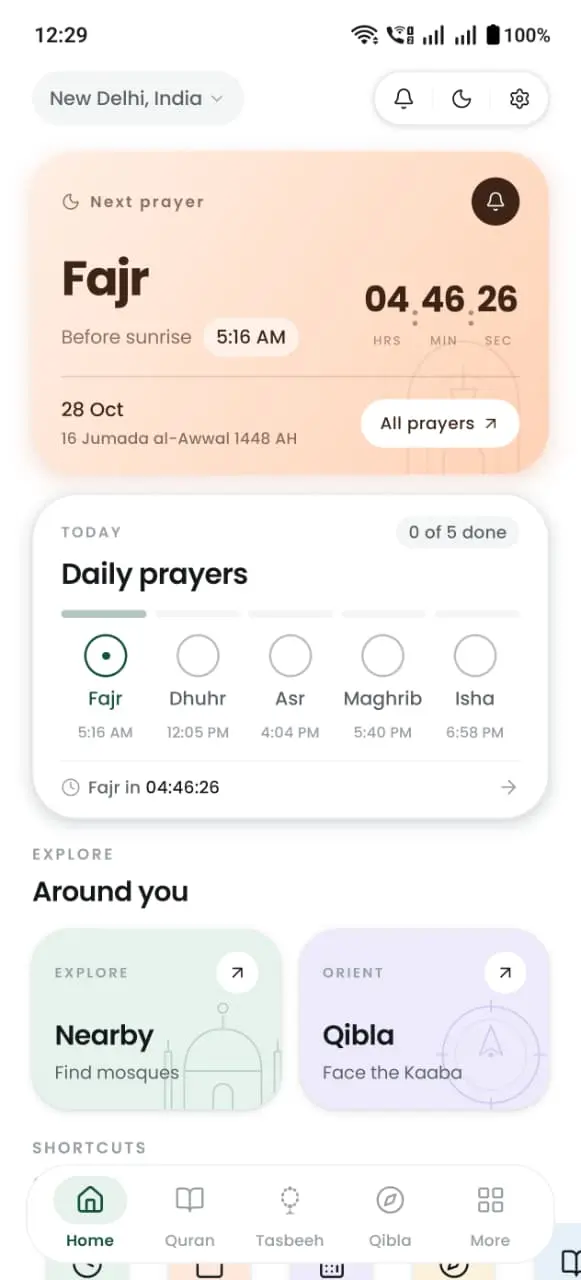
Prayer times, Adhan alerts, the Qibla and the full Quran — free on Android, and built to stay out of your way.
 Android 7.0+ · Version 2.0.11
Free · No account required · iOS in development
What the app adds
The parts of your day a browser cannot cover.
The website gives you the answers. The app keeps them with you — quietly, in the background, all day.
An Adhan alert for every prayer
Pick a different notification sound per prayer, add a reminder before the Adhan, and set quiet hours for the times you need stillness.
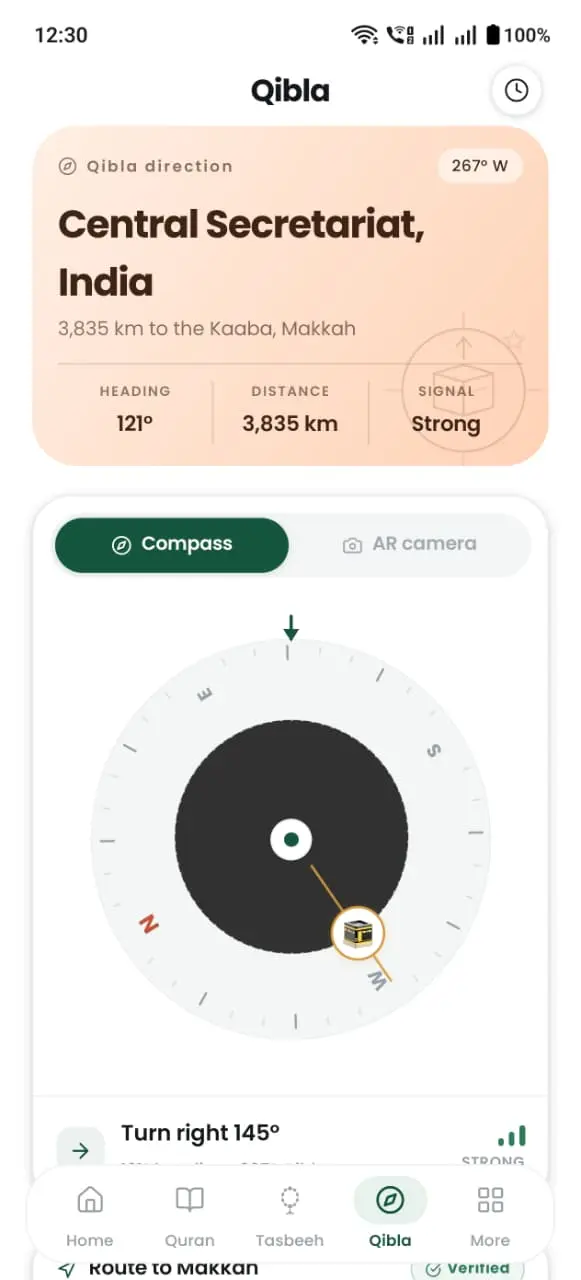
AR Qibla that points the way
Hold your phone up and follow the arrow on screen. The live compass updates as you turn, so you are never guessing at a bearing.
Quran that works offline
Read all 114 surahs with translations, and download recitations for verse-by-verse listening without a connection.
Tasbeeh with haptics and presets
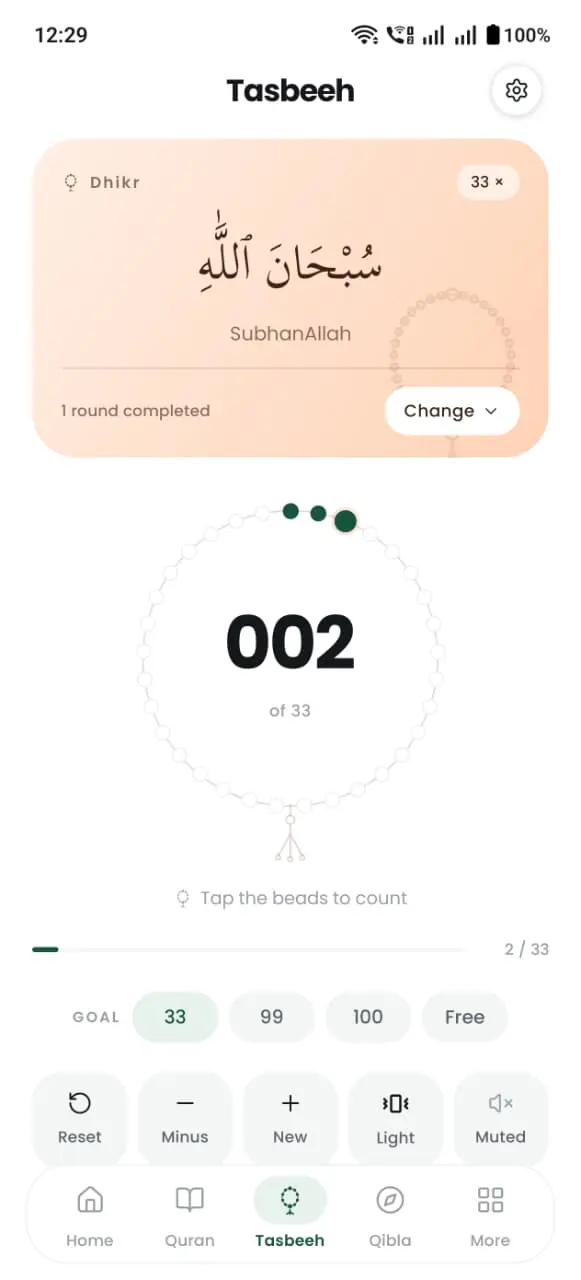
Count dhikr with a gentle tap of haptic feedback, save your own zikr lists, and keep a private running total for the day.
Mosques around you
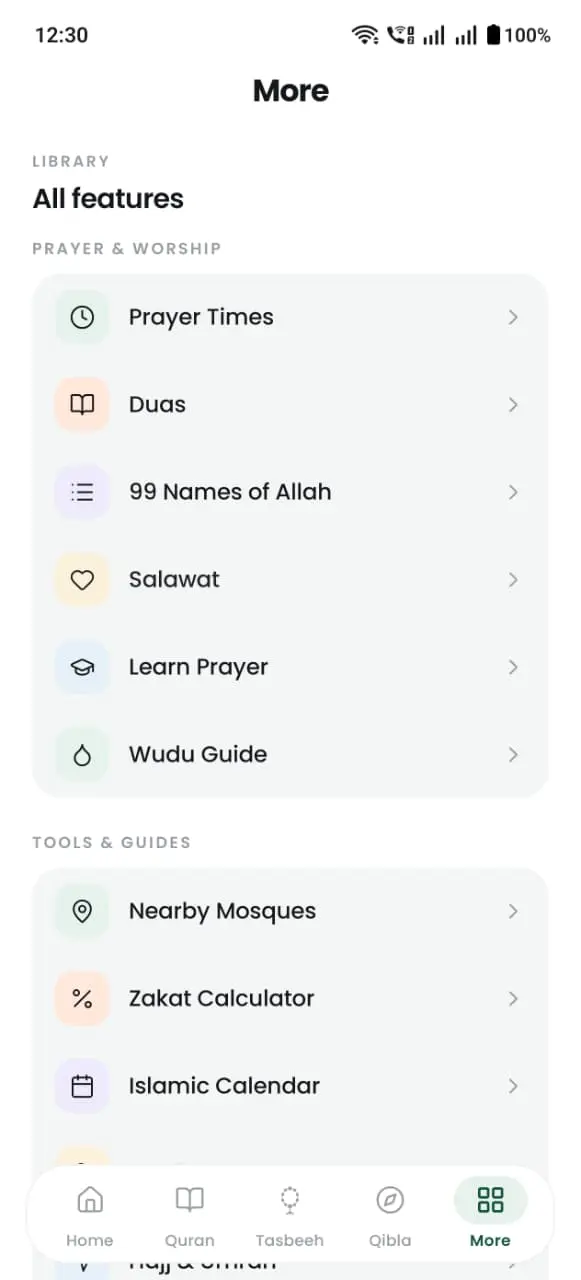
Find nearby mosques and prayer spaces with one tap, with directions that open in the map app you already use.
Hijri dates on your home screen
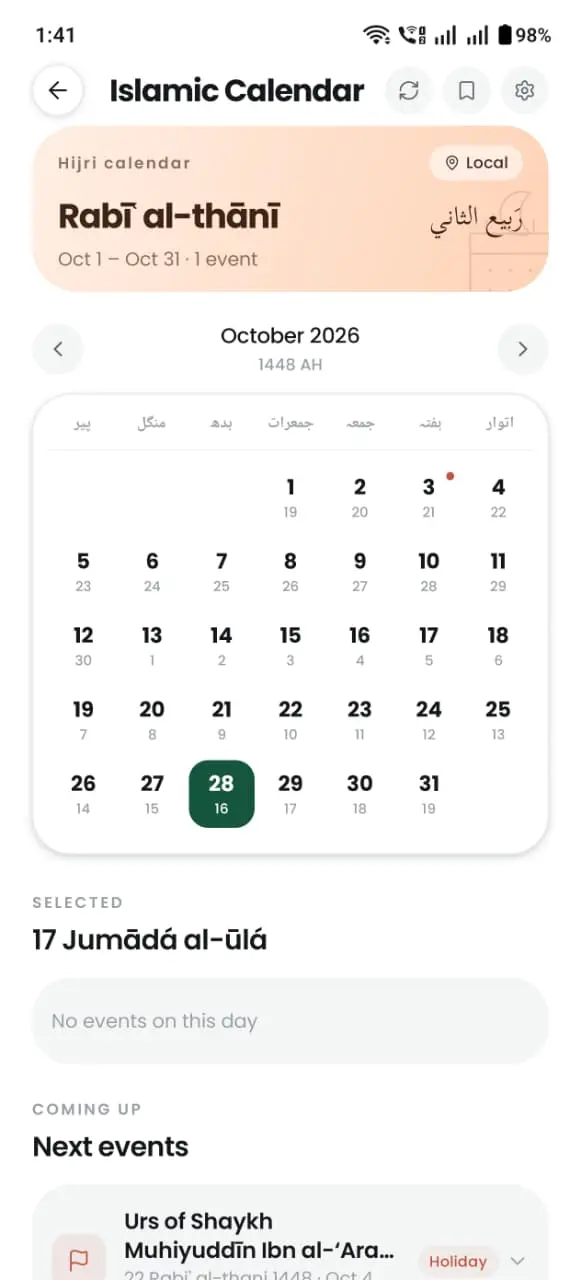
Home-screen widgets show today’s prayer and Islamic date at a glance, with Ramadan tools and event reminders built in.
Screenshots
A closer look
The same editorial design as this site, made for one hand.
Privacy statement
Built to be trusted, not to collect.
- No account required. Open the app and pray — there is nothing to sign up for.
- Your location is used for salah, not kept as a history. It is processed to calculate prayer times and the Qibla direction.
- Free, supported by ads. We do not sell your personal data, and your bookmarks and logs stay on your device.
No fake ratings
New on Google Play.
DeenDock 2.0 is a fresh release. Instead of quoting reviews from another era, we would rather you tried it yourself — the app is free, and every utility on this website works without it.
Version 2.0.11 · AndroidBefore you install
Questions, answered
The details people usually ask about before downloading.
Is DeenDock free?
Yes. Downloading and using DeenDock is free. The app is supported by advertising; there is no subscription and no paid tier for prayer times, Qibla or Quran reading.
Which phones does DeenDock support?
DeenDock runs on Android 7.0 and later, and is available on Google Play today. An iPhone version is in development — this page will be updated when the App Store listing is live.
Does the app work offline?
Quran text, translations and audio you have downloaded stay available without a connection. Today’s prayer times are cached on your device, and Adhan alerts that you have set up continue to fire.
How do I turn on Adhan notifications?
After installing, open Settings → Notifications in the app and allow alerts. You can choose a sound for each prayer, add a pre-Adhan reminder and set quiet hours.
The app
One app. Every prayer, every day.
Install from Google Play, or scan the code with your phone camera.
Free · Android 7.0 and up · No account required